
Discover Version 5
Your new guide to getting started
A refreshed experience, more accessible information and simplified actions: discover the key new features of Foldio V5 and get up to speed quickly.
Foldio is evolving to offer you a smoother experience and help you focus on what matters most. Redesigned navigation, quick access to actions, improved notifications… Here’s what you need to know to make the most of this new version.

Access Foldio V5 with ease
As soon as your user account is enabled to access Foldio V5, a banner will appear at the top of your screen, allowing you to discover the new version.
Can’t see the banner yet? Contact our support team to find out more about the access requirements and rollout schedule for Foldio V5.
Would you like to temporarily return to your usual environment? You can switch back to Foldio V4 at any time using the link at the bottom of the main menu.

Good to know
-
You can switch between the two versions in just a few clicks, without changing your data environment.
-
Your data remains the same in both versions. Actions performed in Foldio V4 are also available in Foldio V5, and vice versa, once the information has been refreshed.
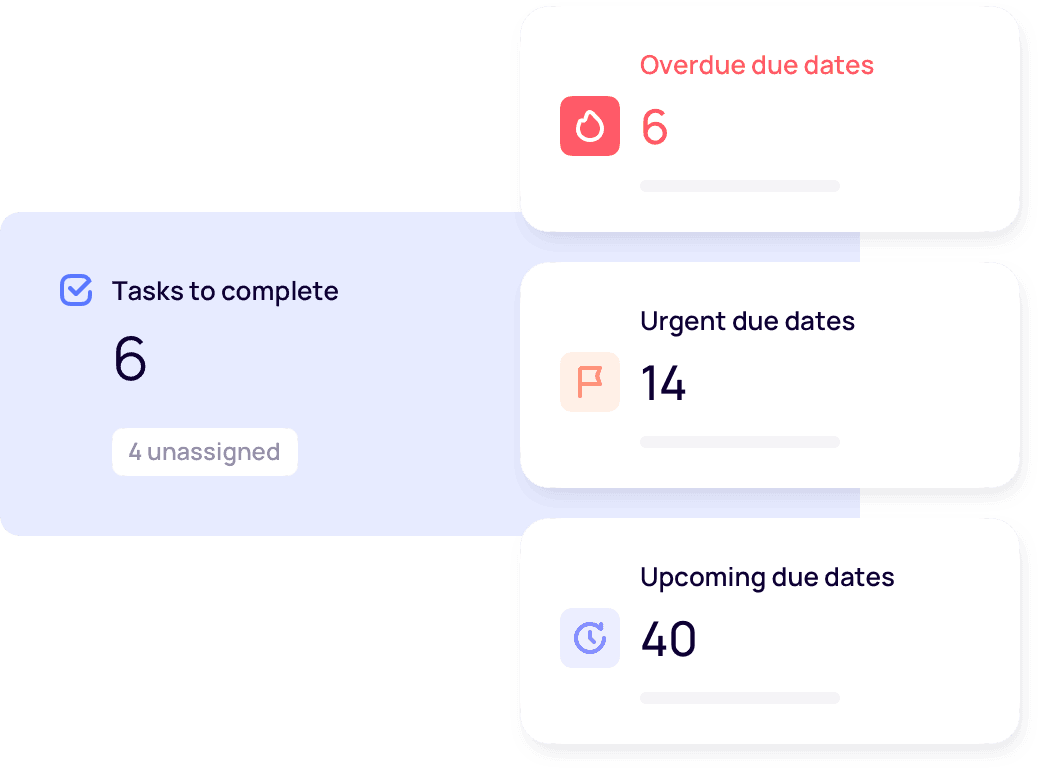
Keep track of your priorities from the dashboard
The Overview tab is your starting point for organising your day and keeping track of your overall activity. Deadlines are highlighted so you can quickly identify overdue, urgent and upcoming actions, as well as unassigned actions.
Your itinerary, right in Overview
No need to look for a separate tab: your itinerary is now integrated into the right-hand side of the Overview screen. View your appointments, including on a map, and tailor the view to your role:
-
Are you an expert? Your itinerary is displayed by default.
-
Are you a manager? You can view a colleague’s itinerary using the selector.
Speed up your workflow with the Actions button
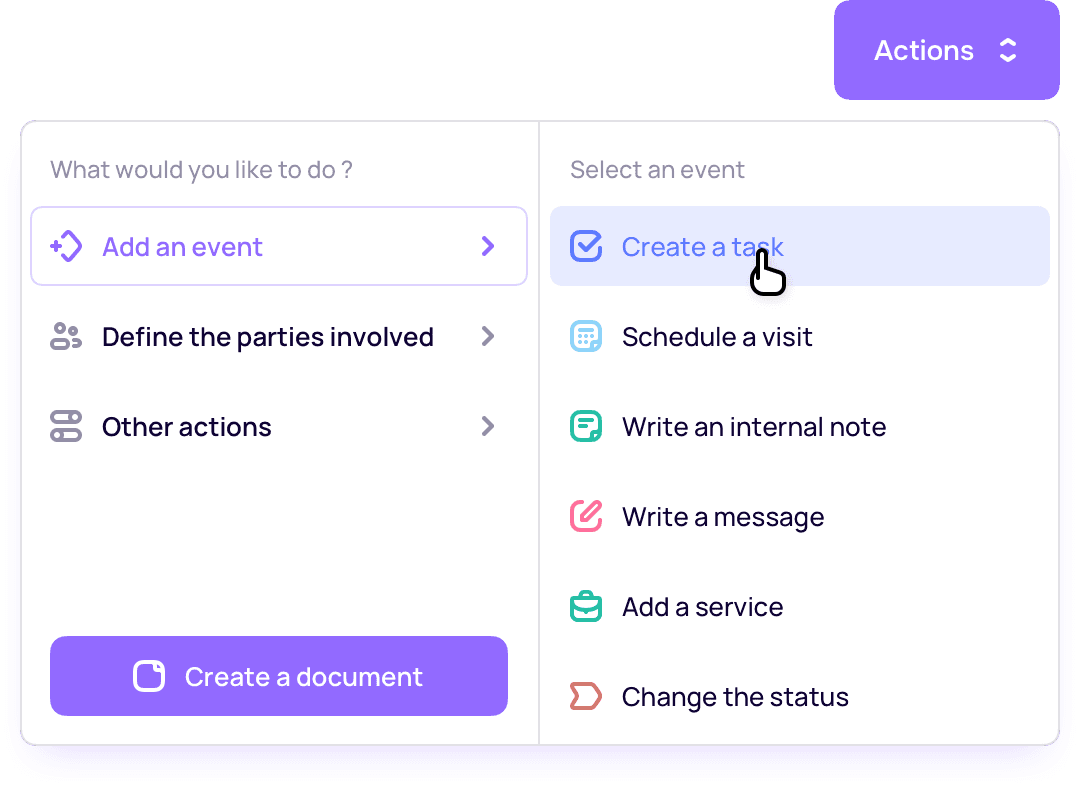
Within a case file, the Actions button brings together all available operations, regardless of which tab you’re viewing. Create an event, edit the summary sheet, duplicate a case file or generate a new document: access the actions you need directly, without having to search for them.
A useful tip
Whenever you need to take action in a case file, start with the Actions button.
A redesigned summary sheet
The summary sheet has been redesigned to give you a clear, immediate overview of every case file.
On the left, you’ll find your primary contact’s details, along with general case information such as contact details, addresses and financial information. In the top-right corner, claim-related information is directly visible for relevant case files.
The summary sheet is now more compact, so you no longer need to scroll through the page to find important information!
Important files and notes are also highlighted, giving you quicker access to what matters most. Just below, you’ll still find the table listing the contacts and third parties associated with the case file.

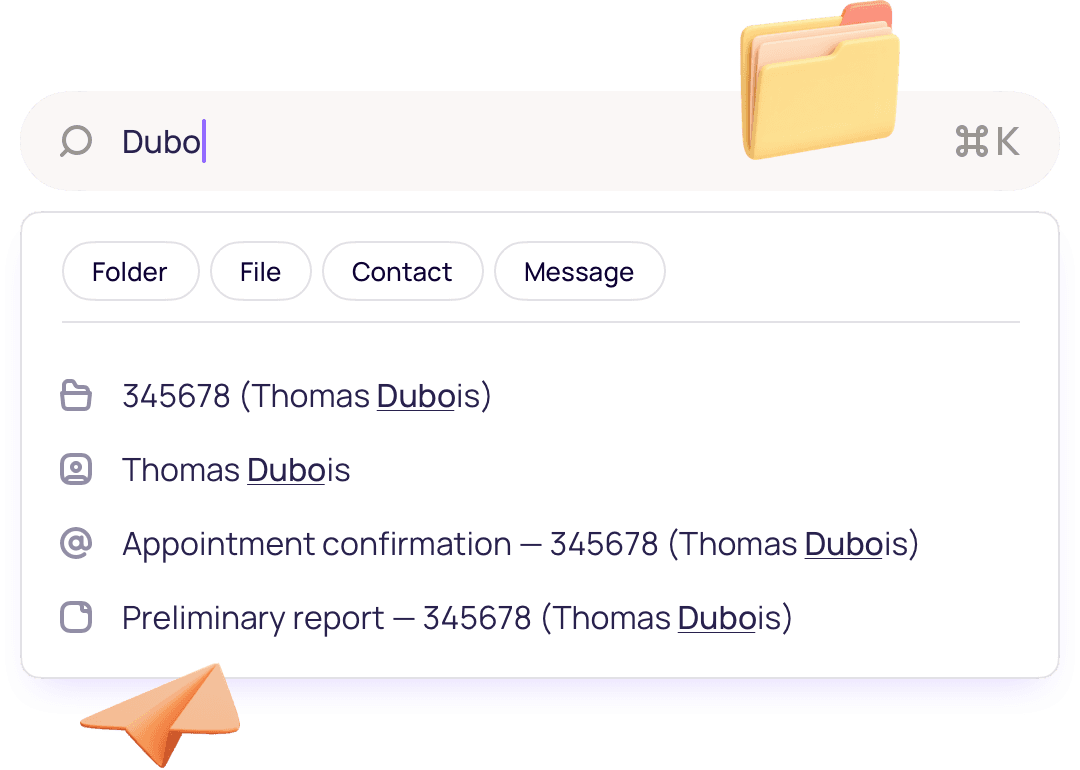
Find your information at a glance
Need to find something quickly? The search bar at the top of the screen makes it easy to find your case files, documents, emails and contacts, wherever you are in Foldio.
No more searching everywhere: everything is just a click away!
Help just a click away
All the help you need, in one place.
Have a question about a feature or need a helping hand? The Support section at the bottom of the sidebar brings together two essential resources:
-
Foldio documentation, where you can browse resources and find answers to your questions.
-
Contact support, to submit your request directly from Foldio, with all the information needed for our team to assist you.
Notifications under control
Fewer notifications to manage, more clarity every day!
A brand-new notification centre makes it easier to manage the information you need to follow up on and the notifications you’ve already dealt with.
-
Archive notifications you no longer need in your active list.
-
Mark notifications as read or unread to keep track of what still needs your attention.

A new AI assistant is in the works
What if Foldio could offer even more support in your day-to-day work?
We’re currently developing your new AI assistant, designed to help you make the most of the data available in Foldio and work more efficiently every day. This is just the beginning: we’re working behind the scenes to bring this new feature to life, and we’ll be revealing more soon.

